
Teams & tasks
Organise prospecting across your whole team.
A user for every agent, shared areas, tasks in your calendar and everyone’s activity, all in one account.
3 days free · No credit card · No commitment
Assign to
- ana@youragency.com
- javier@youragency.com
- laura@youragency.com
How it’s organised
One admin, one team, everyone in their own area
The account admin creates the users, assigns the areas and sees everyone’s activity.
Account admin
Users · Activity · Licences
Agent
ana@youragency.com
Central areaAgent
javier@youragency.com
North areaAgent
laura@youragency.com
South areaAgent
pablo@youragency.com
East area
One user per agent
Everyone signs in with their own email and works on their own listings.
Shared areas
Save an area and share it with whoever you choose.
Activity at a glance
The admin sees what each member has done.
Team activity
What each agent has done, without asking for reports
Each member’s valuations, private sellers, market studies, tasks, areas and favourites, over the period you choose.
- Last 7 days, 30 days or all time
- Each user’s history
- Only the account admin can see it
Team activity
What each member has done in the selected period
Sample data
Users and areas
Every agent with their own user. Every area with the right people.
Users and licences
Add users, deactivate them when needed and keep track of how many of your plan’s licences are in use.
Users
Add userYou can add 1 more user at no extra cost.
- Active
ana@youragency.com
Last login: today
- Active
javier@youragency.com
Last login: today
- Active
laura@youragency.com
Last login: yesterday
- Active
pablo@youragency.com
Last login: 3 days ago
- Deactivated
marta@youragency.com
Last login: 2 months ago
Shared areas
Save your areas with their filters and share them with the users you choose.
Share area
Select users
- ana@youragency.com
- javier@youragency.com
- laura@youragency.com
Sample data
How one agency organises it
From day one, Sergio Pintado set up a separate area for each of his agents. They stay in control of their own work, he can follow what they do, and everyone can see what their colleagues are working on.
- agents in the office
- 16
- of their 40–45 monthly listings, alongside four other sources
- 25%
Figures reported by the agency in its interview (2021).
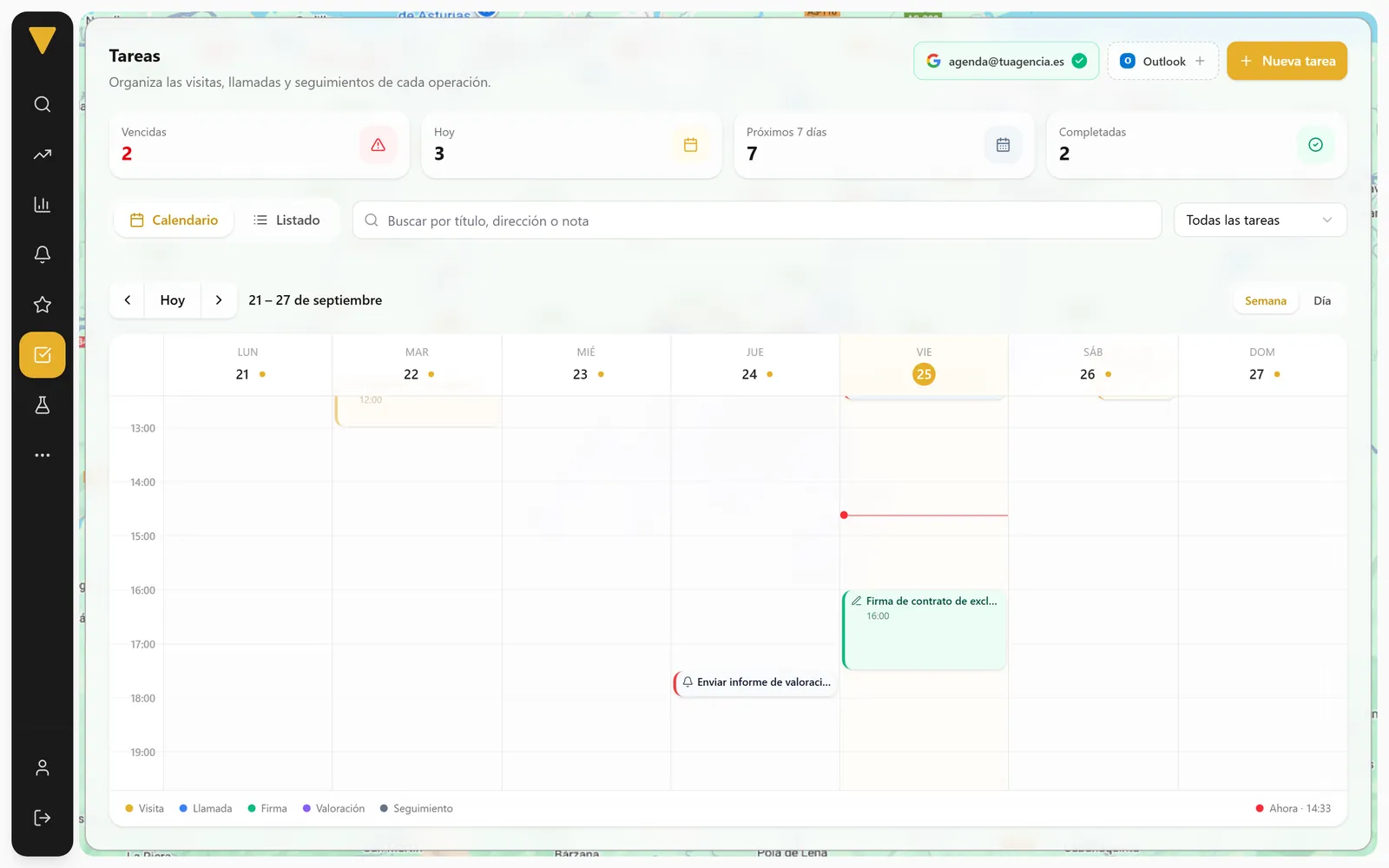
Tasks
Every viewing and every call, with its listing and the person in charge
Create tasks from any listing, assign them to a colleague and mark them as completed.
Tasks
Viewing
Viewing with the owner
Detached house in Somió, Gijón
Today · 17:30
Assigned to
Call
Call to offer the valuation
Flat on Calle de Fuencarral
Tomorrow · 10:00
Assigned to
Signing
Sign the exclusive agreement
Penthouse with terrace
Fri · 16:00
Assigned to
ValuationOverdue
Send the valuation report
Street-facing flat to renovate
Yesterday · 18:00
Assigned to




Sample data
- 1Create it from the listingTitle, date and notes, with the listing linked.
- 2Assign it to the right personTasks you assign to others go to “Sent”.
- 3Complete itThen check the history or download it to Excel.
My calendars
- Your calendar
- Betterplace
Google Calendar and Outlook
Your tasks, in the calendar you already use
Your Betterplace viewings, tasks and reminders, straight into the calendar you already use.
- A separate “Betterplace” calendar is created: your other events stay untouched
- Every viewing or task you create shows up on its own, with its reminders
- If you disconnect, that calendar is deleted and everything stays as it was
Working together
The whole team, with the same information
Favourites, notes, links and a clear home screen for every agent.
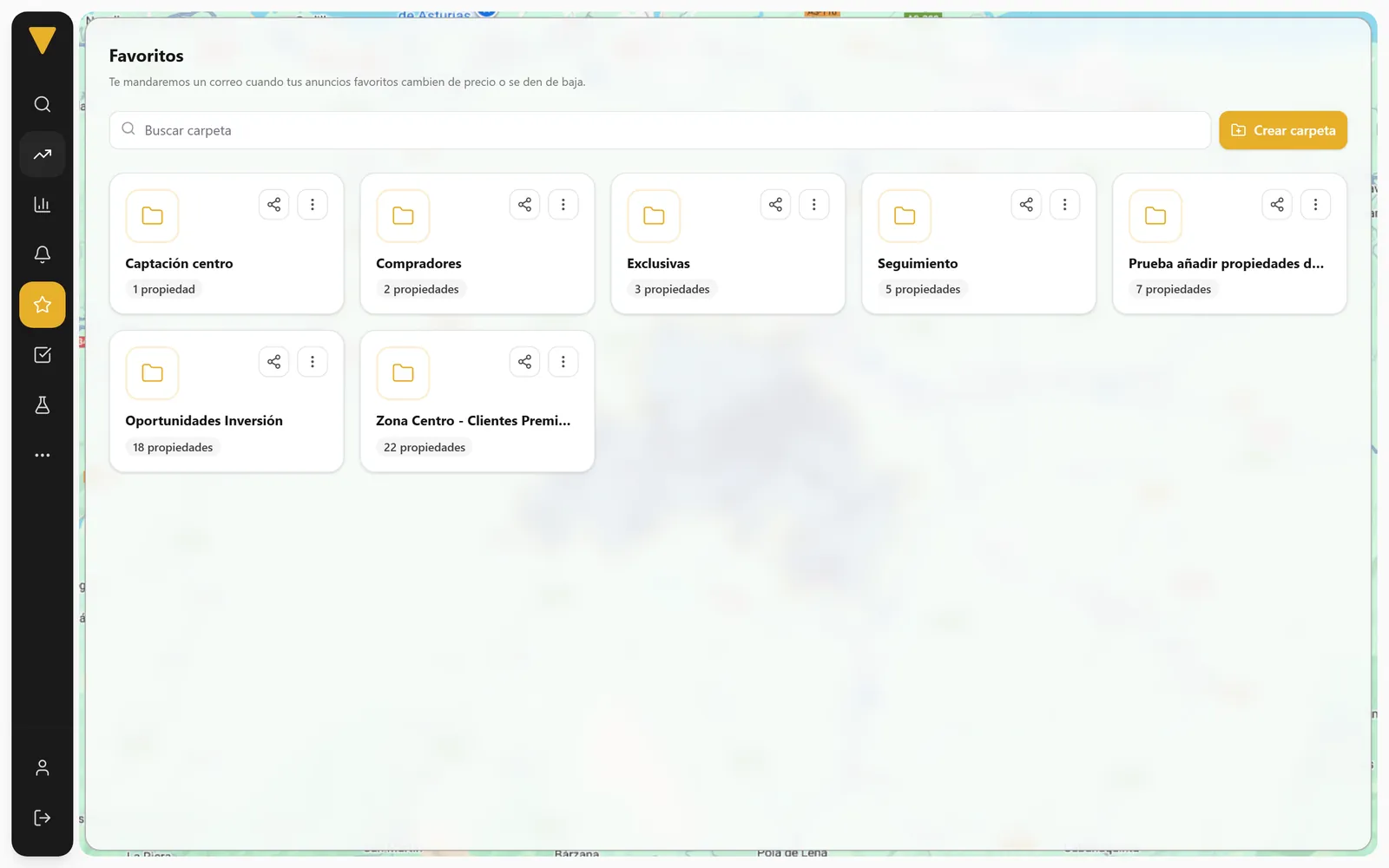
Favourites folders
Organise the portfolio into folders and get alerts when something changes.
My shared links
Track how each listing page or report you share is performing.
Comments and labels
Internal notes on every listing and labels in five colours.
Sending him the valuation on Monday. Interested in an exclusive.
javier@youragency.com · today
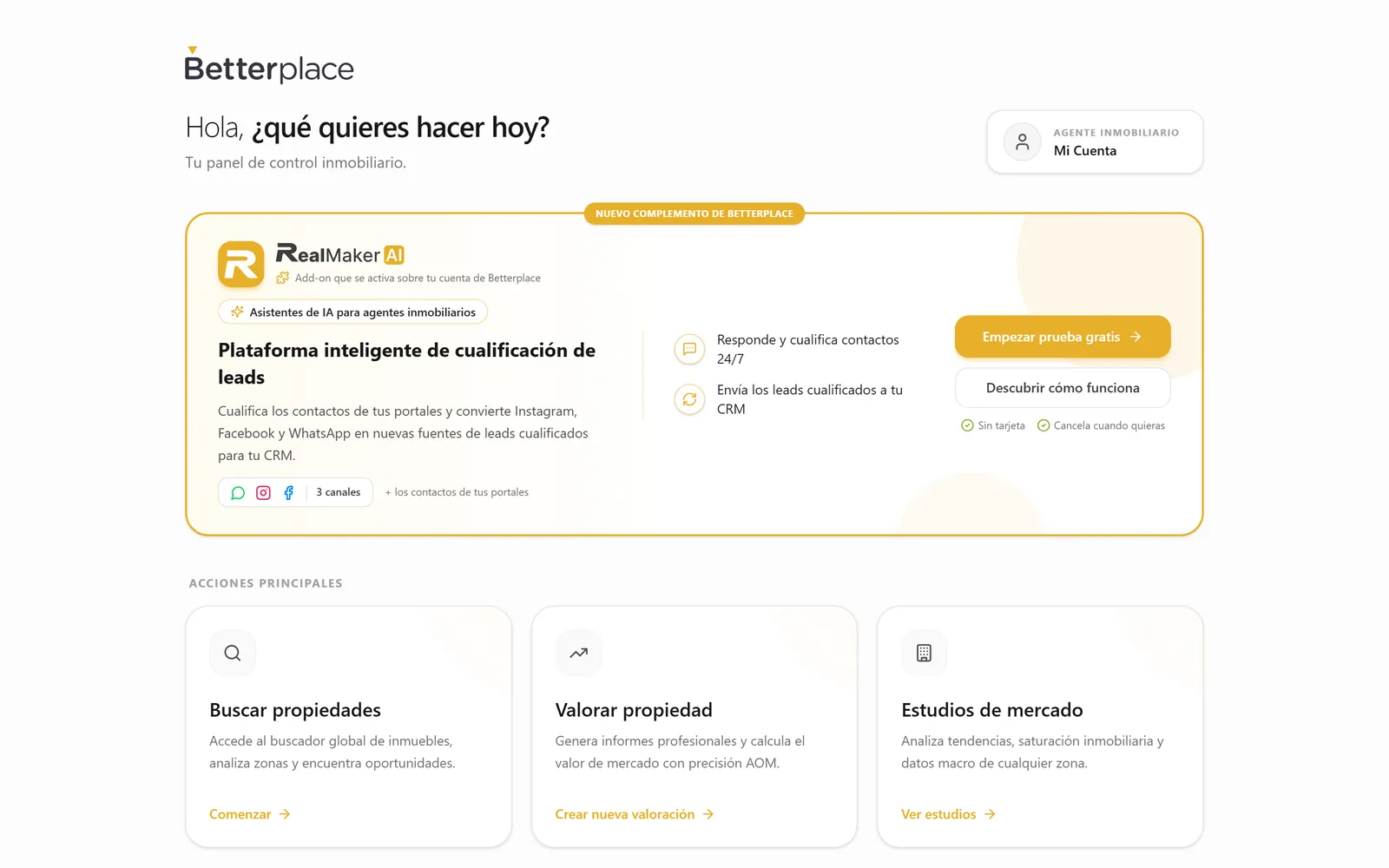
A clear home screen for every agent
Search, value or prepare a market study from the very first click.
Sample data
Inside Betterplace
- 6metrics per agent in Team activity
- 3task tabs: pending, completed and sent
- 2calendars you can connect: Google and Outlook
- 5label colours to organise listings
FAQ
About teams and tasks
Running an agency with several agents? We’ll help you set it up.
How many users does my plan include?
Who can see team activity?
How do I share an area with my team?
What happens when I connect Google Calendar or Outlook?
Can I assign tasks to a colleague?
Can I export tasks?
Can I try it with my team?

Get your team prospecting in order
Create your account, add your team during the trial and assign the areas.
3 days free · No credit card · No commitment